
Compress PDF to 200KB
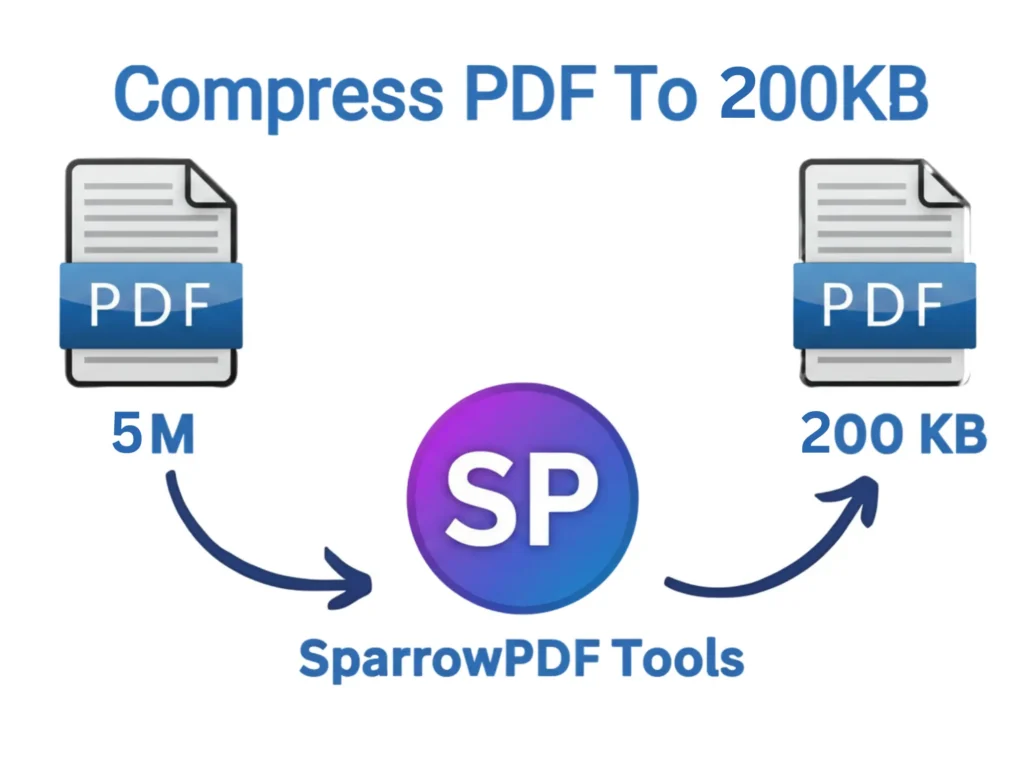
PDF files are difficult to manage and often get rejected on many websites. The main issue with these files is their overly large size, which makes them unfit for uploading, sharing, and even storing. However, sometimes you can fix this issue by simply removing a few unnecessary pages instead of compressing the entire file. But if your file doesn’t have any pages you can remove, you’ll need to compress your PDF to 200KB or less, since this size is mostly acceptable on many of these websites.
You need a reliable and efficient tool to compress your PDF files without dropping their quality. Our tool reduces your PDF documents more efficiently without any complications. This compressor is completely free to use and keeps your files private and secure by compressing them directly in your browser. This compressor works smoothly on all devices and major browsers.
How to Compress PDF to 200KB
To reduce the size of your PDF to 200KB simply follow these steps:
- File selection: Click “Select File,” and you will see a pop-up window. Now select the file you want to compress
- Uploading: Now the uploading process will start, and within seconds your PDF file will upload. You will see the progress through a bar
- Press Button: Once the process completes, press the Compress Button
- Download & Save: Your PDF will compress instantly. Now, press the download button to save your PDF file.
Why Should You Compress PDF to 200KB?
Large PDF files are not considered ideal, especially when used for job applications, sharing, or storage. Websites with size limitations do not accept them; it takes longer if shared and occupies a large storage space. Although there are many reasons why users prefer to compress PDF below 200KB but let’s discuss some of the most important ones:
Platform Restrictions
Many Job portals, online forms, and email-providing websites do not accept large PDF files because they have an upload size limit. Compressing PDF to 200KB allows you to meet their requirement and upload your files without any issues.
Faster Sharing
Uploading, downloading, and sharing PDF files can take longer, especially if the internet speed is slow, and you are working on multiple files. Reducing a PDF file speeds up the process and helps you save effort and time
Better Storage Management
Saving many PDF files on your device consumes more storage space and can affect performance. When you convert a PDF file to 200Kb, it allows you to save multiple files without affecting performance
Faster Website Performance
Compressed PDF files are lighter in size, which contributes to smooth website loading and more user engagement. This plays a key role in improving the website’s search visibility and lowering bounce rate.
Saves Mobile Data
Regions with slow internet and expensive mobile data can increase upload time for bulky PDF files and put a financial burden on users. Compressed PDF files are easier to share and quicker to download. However, users who want to go for an even smaller size can compress their files to 100KB, or if you prefer quality more, 500KB is a better option.
Features of Compress PDF to 200KB
Our Compress PDF to 200KB tool offers several useful features to resize your PDF files professionally without any issues. Let’s discuss some of the features below:
Free to use
You do not need to create an account to compress your PDF files to 200KB. You can start compressing files instantly without any subscription or trial period.
Secure PDF Compressing
This PDF size converter is designed to decrease the size of your PDF files online and directly in the browser without uploading them to any external server. Your data will remain on your device, giving you peace of mind that your personal information is protected
Preserves Quality
The advanced algorithm ensures the quality of the files does not drop during compression. Your file structure will remain undisturbed, resulting in a clean and professional appearance
Works on All Devices
Our PDF size reducer tool works effortlessly on all major devices, such as desktops, laptops, tablets, and smartphones. You can compress your PDF files anytime, anywhere, without worrying about device compatibility issues.
Frequently asked questions
Q: Can I compress PDF to 200KB without losing quality?
Ans: Yes! This tool keep the file structure the same as the original and as a result your PDFs stay sharp and professional
Q: Do I need an account to use this Compression tool?
A: No, you do not need to create an account or sharing any personal information. You can start compressing your PDFs immediately
Q: Can I compress multiple PDF files to 200KB at the same time?
A: Yes this tool allows you to compress multiple PDF files simultaneously. However a file cotaining only text gives more clearer result as compared to file containing images.
Q: Can I compress PDFs on my mobile phone?
A:Yes, you can compress PDFs on your PCs, laptops, tablets and smartphones. It works smoothly on all devices and operating systems.
Q: Is my privacy protected?
A:Yes. The entire compression process takes place directly in your browser. Your files will never leave your system and will be completely secure and private
Q: How long does it take to compress a PDF to 200KB?
A: Compression process completes within a few seconds normally and if files are large, it may take a little longer but overall the process is fast and efficient